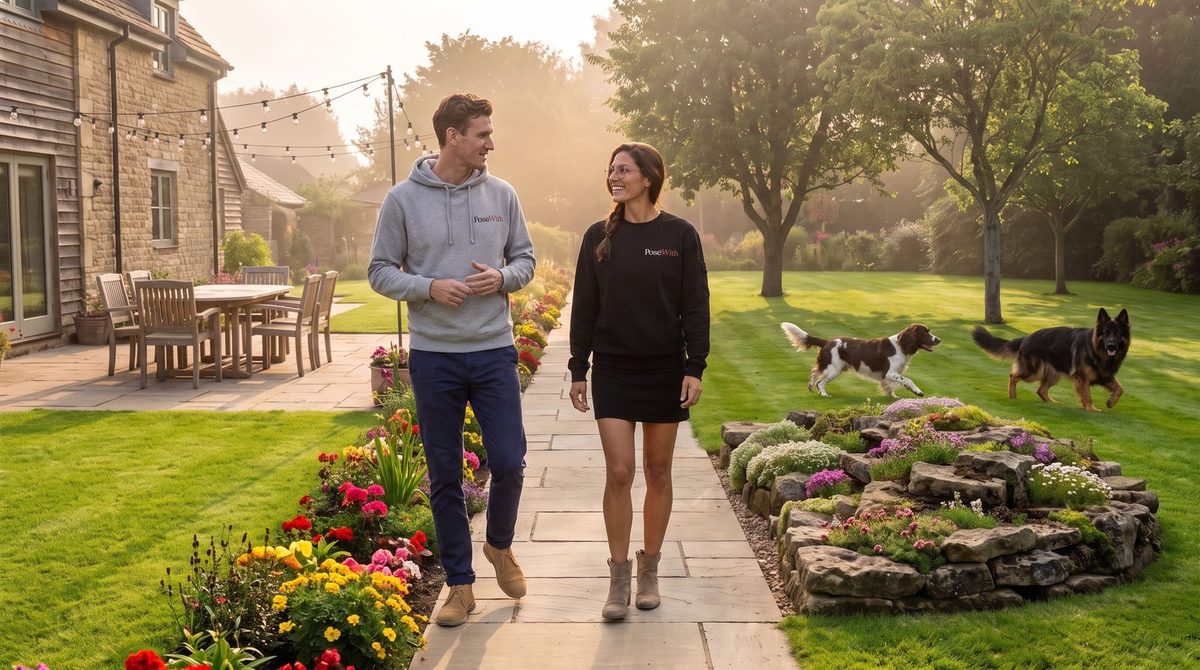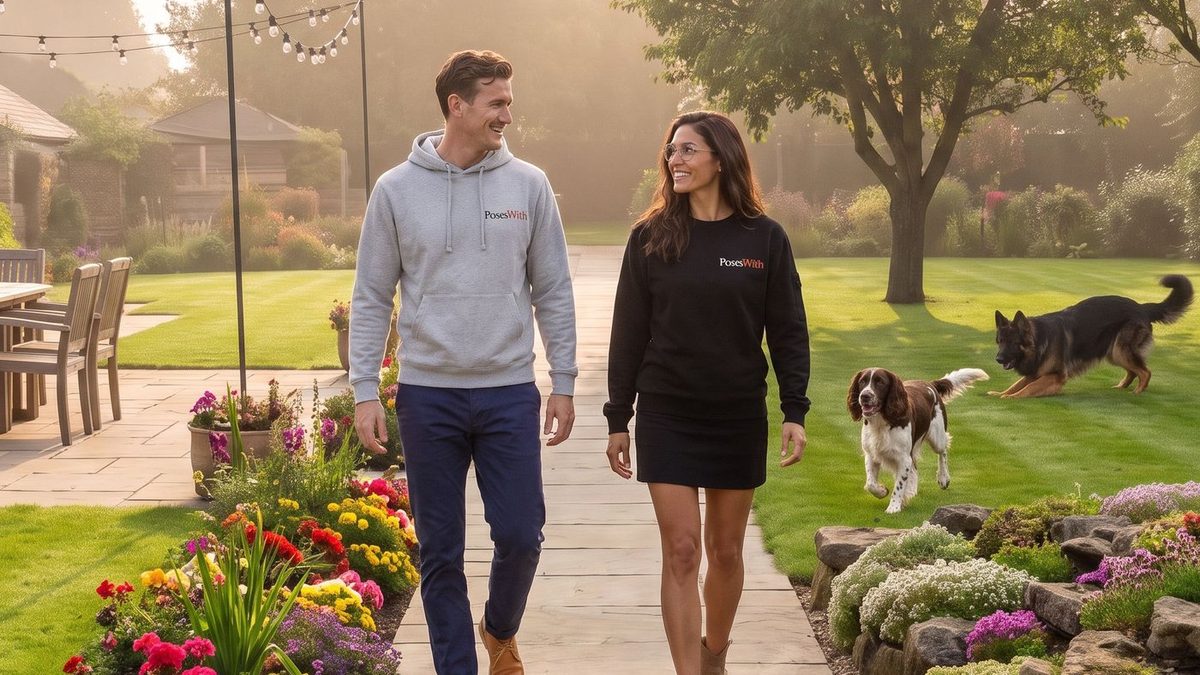
AI product photography turns the product photos you already have into new AI product images: your clothing on an AI fashion model, your mug in someone's hand, your harness on a dog, in a café, a garden or a street. Done well, it is the quickest way I know to make a small catalogue look like a brand. Done badly, it redraws your product wrongly and your customers notice.
I designed and built PosesWith, an AI model agency for product photos, so this is the developer's view from the inside: how I built the pipeline that makes AI-generated product images, the decisions that keep a product true from shot to shot, what to check before you trust any tool, the honest limits and how to label the pictures. If you just want the pictures for your store, AI product photography for Shopify stores is on the PosesWith site, and how PosesWith works walks through the same process from the customer's side. Every picture in this post was AI-generated with PosesWith.
What is AI product photography?
It covers three quite different jobs, and most of the confusion around "the best AI product photography tools" comes from mixing them up:
- AI product photo editing - cleaning up a photo you took: removing a background, fixing light, upscaling, or an AI product photo background changer that drops your product onto a new surface. The product photo is still yours; only the surroundings change.
- AI product image generators - you describe a scene in text (a prompt) and the tool draws a picture that includes your product. Fast and flexible, but the product is redrawn, so details can drift.
- AI models wearing or using your product - an AI clothing model or virtual model for clothing puts your garment on a person, or puts your product in a model's hand, in a whole scene. This is what most people mean by an AI model photoshoot, and it is the hardest to get right.
Shopify itself now has some of the first kind built in: its help centre says the file editor can change an image from a text prompt and replace an image's background with a colour, so a basic Shopify AI image editor is already in your admin. That is handy for a quick fix. For on-model photography and lifestyle product photography you need something built for the job.
Most AI images for ecommerce fall into one of these three, and so do the tools on any "best AI product photography app" list: an AI product image editor for the first, text-to-image generators for the second, and an AI product image generator with model for the third. General editors such as Photoshop and Canva have added AI editing of their own, which covers a lot of the first job.
How I built it: AI fashion models and on-model photos
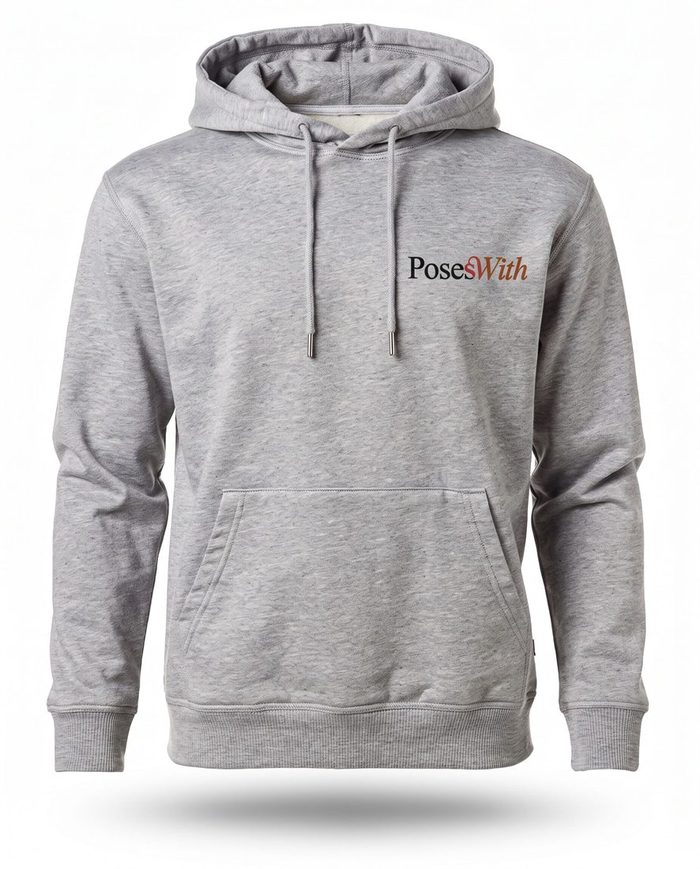
AI product photography for clothing is where most sellers start, so it is where I started too. Here is one real shot from start to finish. The starting point was a single product photo of a hoodie. A model was booked from the roster, a location chosen (a garden path), and the picture came out with the hoodie worn, the logo in the right place and two dogs for company. That is AI clothing on model photography from one flat product shot - no mannequin and no studio.
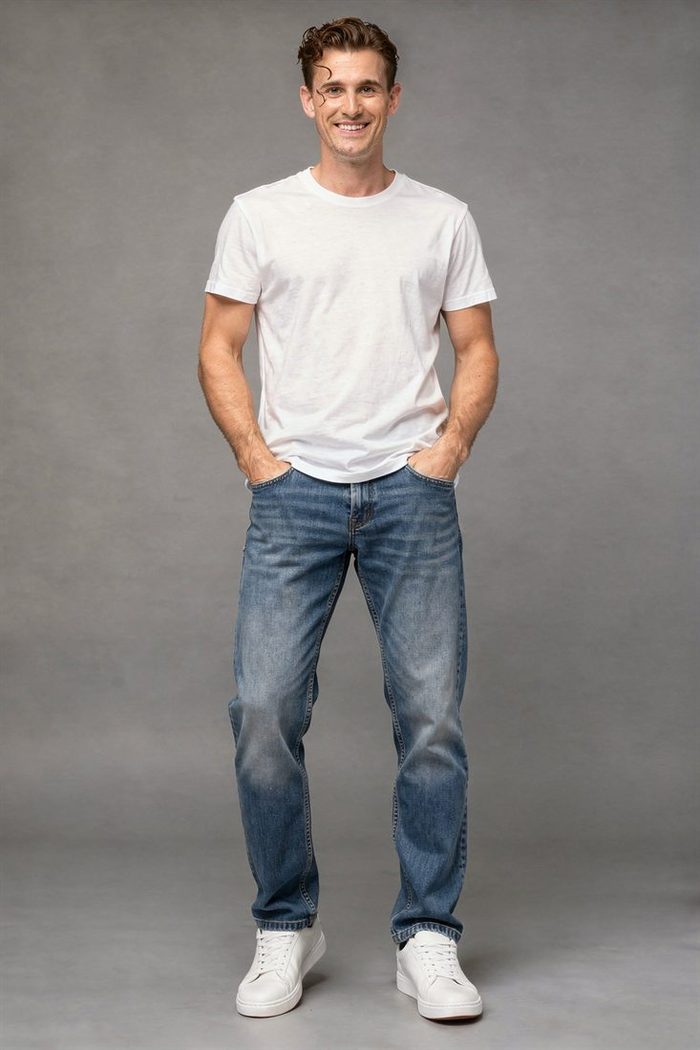
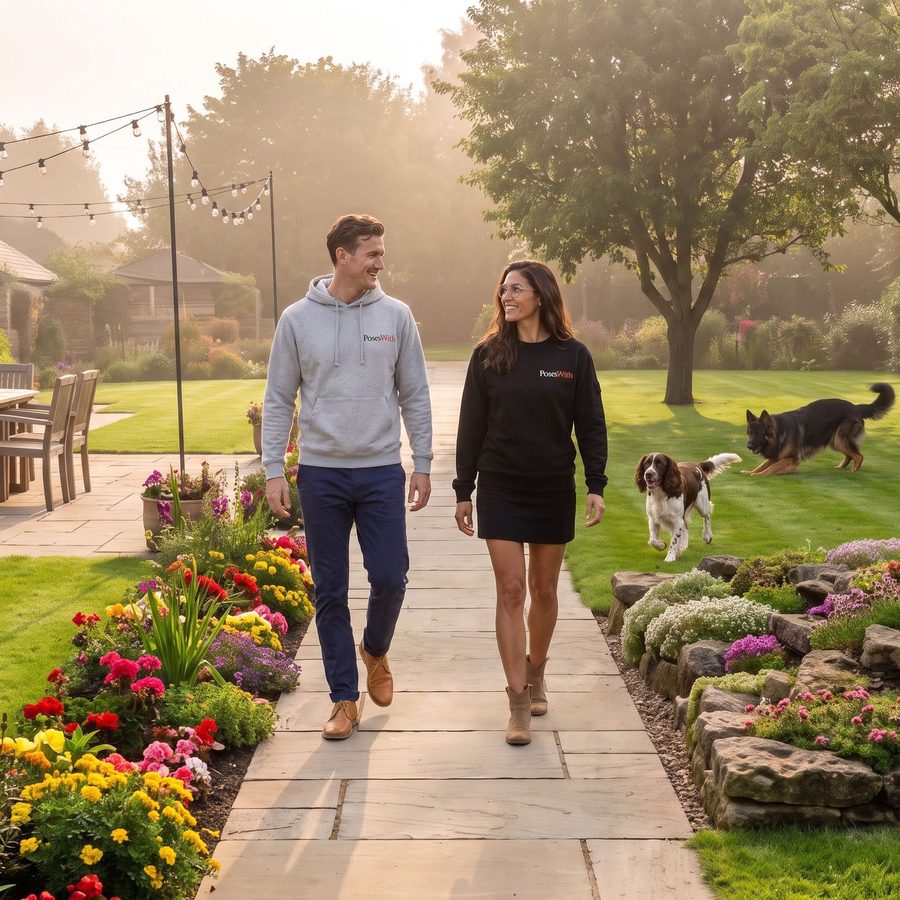
Under the bonnet, a good AI product photography workflow does more than "put clothes on a model":
- Read the product once. PosesWith records what the product is, its colour, fabric and where the logo sits when you upload it, and every shot is built from that record so details stay true.
- Use models with fixed identities. Each roster model has a full reference set - face, build, height, hair - so the same person appears from picture to picture. That is the difference between a brand and a pile of stock images.
- Shoot in a real-looking place. A location is a whole scene with the places people can stand or sit already worked out, not a background pasted behind a cut-out.
- Frame for the size you need. Square, portrait, Pinterest, story or banner, each framed for its shape rather than cropped afterwards.
- Check and keep versions. Every picture is checked before you use it, and you can regenerate a shot that isn't right.
With PosesWith you never write a prompt: you pick products, models and a location, and the platform writes the shot direction. If a tool needs you to hunt for "AI product photography prompts" to get a usable picture, that tells you how much of the hard work is being left to you.
What to look for in an AI product image generator
Whatever you try - an AI fashion model generator, an AI clothing model mockup tool or a full AI model photoshoot for ecommerce - judge it on the things that lose sales when they go wrong. This is the checklist I use.
| Check | Why it matters | How to test it |
|---|---|---|
| Product accuracy | A wrong colour, extra button or changed print is a returns problem and, on marketplaces, a listing problem. | Put the result next to your product photo and compare seams, prints, hardware and colour. |
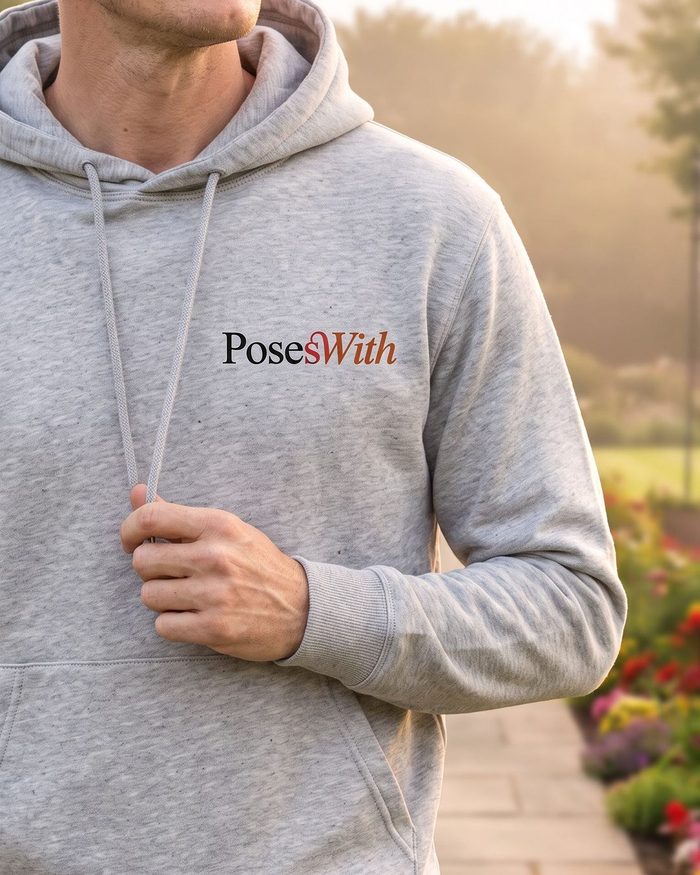
| Logos and text | Image models are notoriously unreliable at letters. A warped logo looks worse than no logo. | Use a product with a small logo and zoom in on the result. |
| Consistent faces | Customers should recognise your model across a collection, your ads and your emails. | Make three pictures with the same model in different places and lay them side by side. |
| Sizes and body types | Shoppers want to see clothing on someone like them. | Look for petite, tall, curvy, plus-size and older models on the roster, not just one body. |
| Image sizes | Your theme, your feed and your Pinterest pins all want different shapes. | Ask for 1:1, 4:5, 2:3, 9:16 and 16:9 of the same scene. |
| Licence and labelling | You need the right to use the pictures commercially and an honest AI label. | Read the terms, and check the downloaded file for AI metadata. |
The same checklist works whether you're comparing the best AI clothing model generator for a fashion label or the best AI image generator for ecommerce products in general.
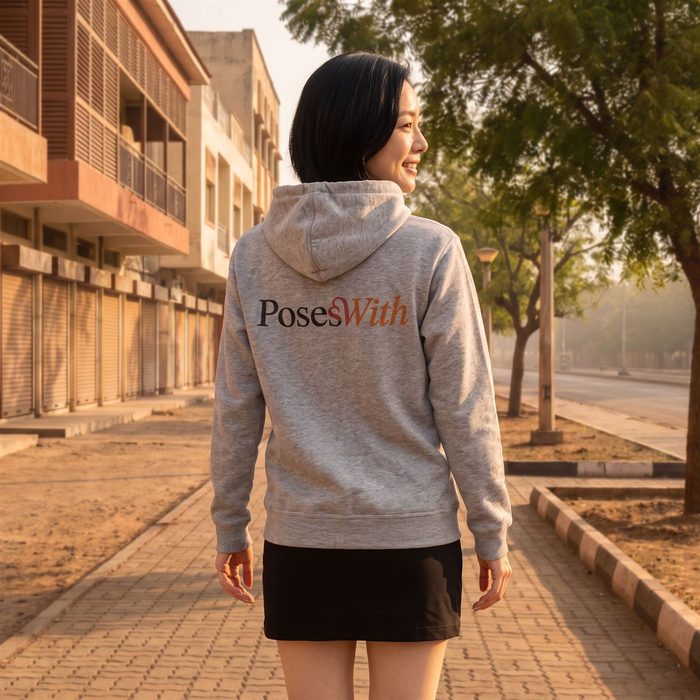
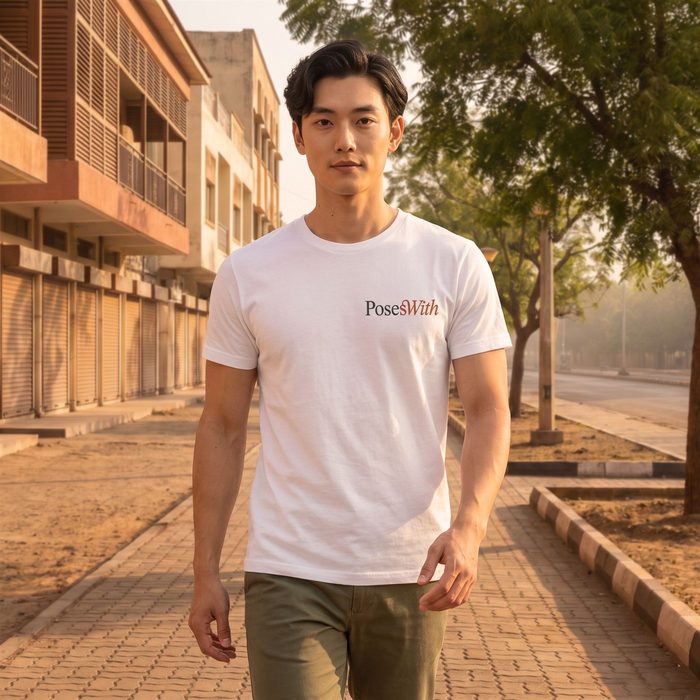
The close-ups below are the test I care most about: the logo on the chest, the print on the back, the text on a tee.
Beyond clothing: jewellery, homeware and pets
An AI fashion model for clothing brands is the obvious use, but the same approach works for anything people wear, hold or place in a scene: an AI fashion model for bags or shoes, jewellery on model photography (earrings, rings and necklaces need a close crop on a real-looking person), mugs and glasses being used, candles on a table, and pet products worn by a dog. On PosesWith that means AI models and pets from the roster, up to five people in one picture, and product shots on their own with no model at all. PosesWith has a page for each: AI models for clothing brands, jewellery, homeware and pet products.
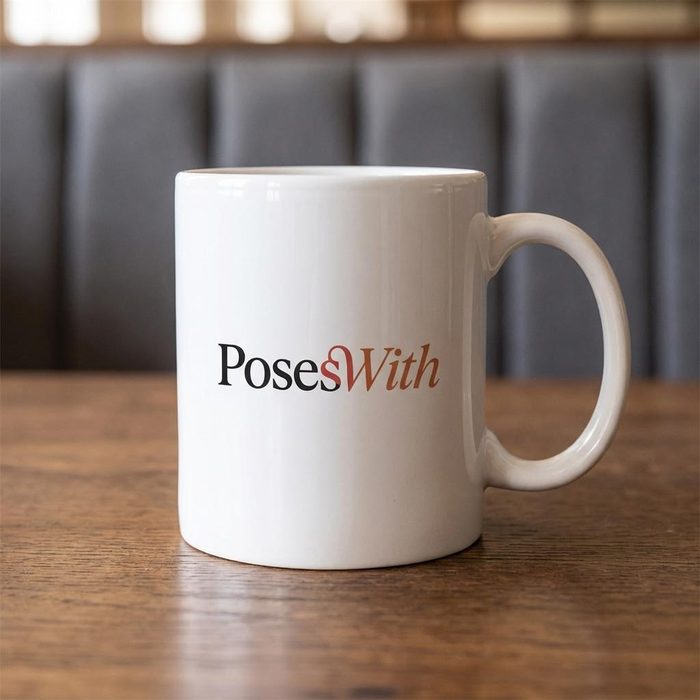
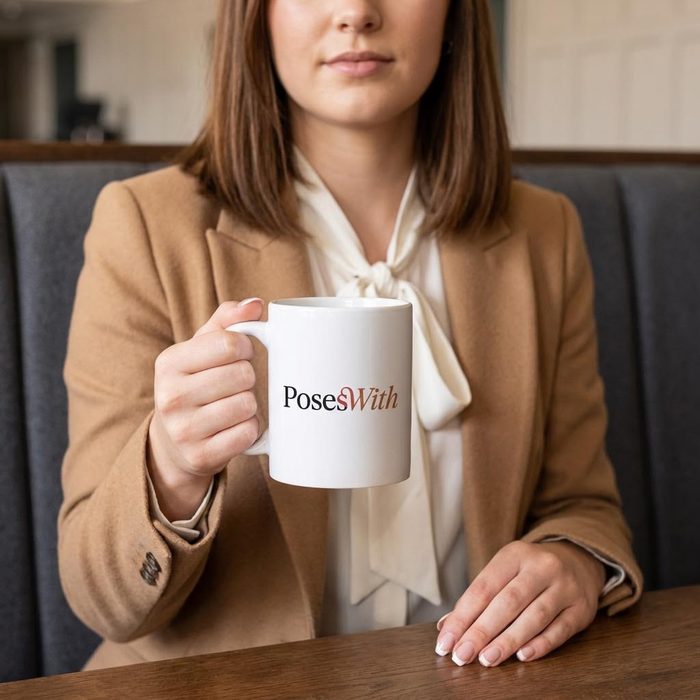
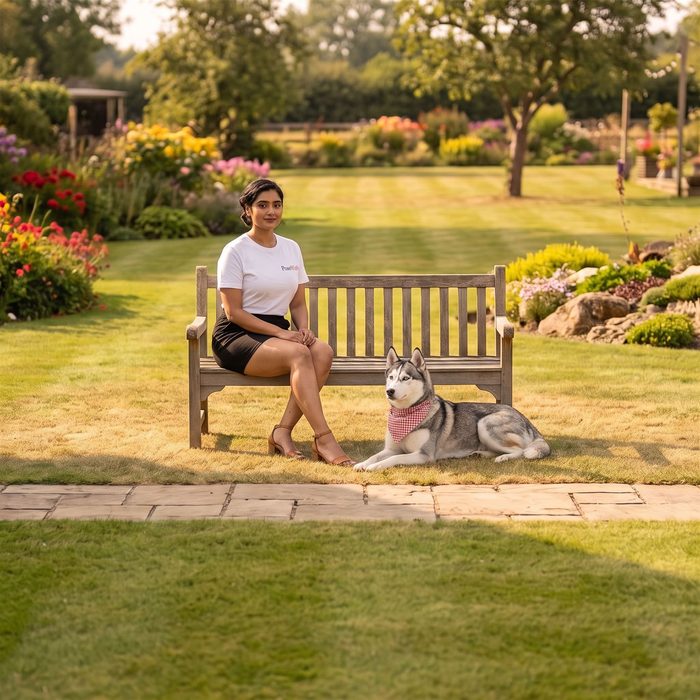
This is where AI product photography for fashion and jewellery, homeware and pet products differs from an AI product photo background changer: the product is held, worn and lit as part of the scene, not cut out and pasted onto it.
Group shots are where AI lifestyle images really earn their keep. A real shoot with five models, two dogs and a harbour is a big production day. This one came out of a single shoot:
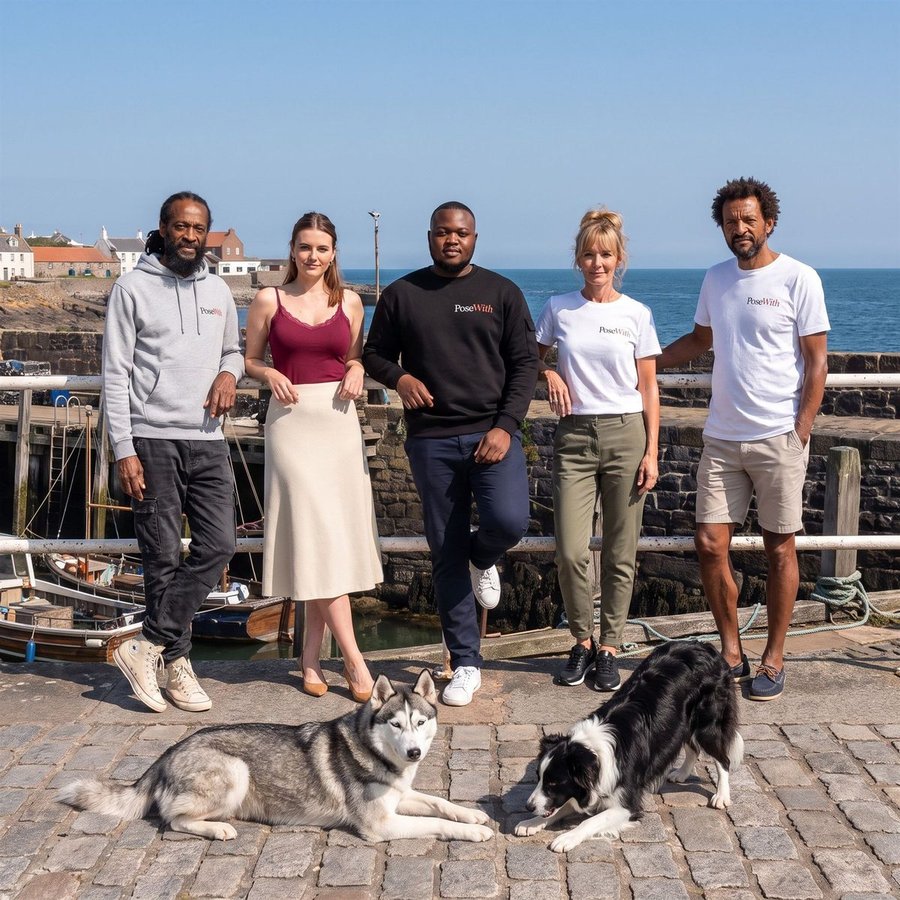
There are more AI fashion model photography examples, in every size, on the PosesWith examples page.
The honest limits of AI product photography
Will AI replace product photography? Not all of it, and I would be wary of anyone who says otherwise. Is AI replacing product photography for routine catalogue and lifestyle shots? Partly. But product photography vs AI isn't an either/or, and here is where AI still needs care:
- Fine detail can drift. Small text, intricate lace, complex prints and reflective metal are the hardest things to keep exact. Check every picture against the product before you publish it.
- Fit is an impression, not a measurement. An AI model shows how a garment might look on a body type; it is not a size guide. Keep your size chart and real measurements on the product page.
- The first image on some marketplaces must be real. Does Amazon allow AI generated product images? Its main image must be the product on a pure white background, so use AI lifestyle images for the other image slots. Does Etsy allow AI generated product images? Etsy's listing image rules (updated 5 November 2026) allow AI-edited images as long as they show the item accurately, and for most products want at least one unedited photo of the actual item. Check the current rules for your category.
- Children's clothing. Most rosters are built around adult models, so an AI kids fashion model may simply not be on offer. Check before you plan a children's range around it.
- Virtual try on is a different job. Try-on tools let a shopper see an item on themselves; AI model photography makes the pictures for your store. Don't expect one to do the other.
- Video is younger than stills. AI fashion model video and AI product image to video work best for gentle motion - a turn, a step, hair moving. Fast movement is where prints and logos are most likely to warp.
My rule of thumb: keep at least one true photo of every product in your gallery, and use AI-generated pictures to show it worn, held and used. Shoppers get the facts and the feeling.
Disclosure: labelling AI-generated images
The AI fashion model controversy is mostly about trust: shoppers feel misled when they can't tell a photo from a generated picture. Being upfront costs you nothing and protects your returns rate and reputation.
- Call them what they are. On PosesWith every picture and clip carries an AI label in its file data, and the site always calls them AI-generated. Keep that label when you edit the file.
- Say it on the page where it matters. A short line such as "Model images are AI-generated; the product is shown as it is" near the gallery, or a note in your product description, is enough for most stores.
- Follow the platform. Marketplaces, ad networks and some countries have their own AI disclosure rules. You are responsible for meeting them when you publish.
- Never use AI to hide a product's flaws. If the colour, finish or size in the picture isn't what arrives, it's misleading whatever the label says.
Cost: AI product photos vs a photoshoot
A traditional photoshoot costs a photographer, models, a location or studio, styling, travel and editing, and has to be repeated for every new product or season. That is fine for a hero campaign and painful for a weekly drop of new lines.
If you're asking "can I use AI for product photography instead of a shoot?", for most catalogue and lifestyle shots the answer is yes. AI product photos change the unit of cost from "a day" to "a picture". PosesWith is pay as you go: you top up prepaid credit and each picture, clip, model or location takes its price from it, with no subscription and no monthly fee. Prices are on the PosesWith pricing page in your own currency. The trade-off is your time: someone still needs to choose the shots and check every picture. For most small Shopify brands that is a far better deal than a shoot per launch, but a big campaign with a real face and a creative director is still a photoshoot.
An AI model agency for your product photos
PosesWith turns your product photos into AI-generated lifestyle pictures and short clips: models from a roster of people and dogs with fixed identities, true-to-life locations, up to five people in a shot, every size from 1:1 to 16:9 plus 4K, and a commercial licence. Pay as you go, no subscription, and every picture labelled as AI-generated. I designed and built it from the ground up.
Adding AI-generated pictures to your Shopify store
Here's how to create AI product images and get them into your store; the same steps cover how to generate product photos with AI in any tool. There is nothing clever about the Shopify part, and that is a good thing. PosesWith isn't an AI image generator for Shopify that plugs into your admin - there's no app to install. You download the pictures and add them like any other image, so they work with every theme, and Shopify AI product images from any other tool go in the same way. PosesWith's page for Shopify stores shows which picture shapes suit which part of a theme.
- Pick your sizes first. Use one aspect ratio for every main product image so your collection grid lines up - 4:5 portrait or 1:1 square suit most themes - plus 16:9 for homepage banners. My Shopify product image size guide covers the numbers.
- Upload. In your Shopify admin go to Products, open the product, and in the Media section click Upload new or drag the files in.
- Order the gallery. Drag the picture you want shoppers to see first into the first place - that becomes the featured image. A clean product photo first and on-model photos after is a safe pattern.
- Write alt text. Click each image, choose Add alt text, and describe what it shows - product, colour, and the scene. Shopify recommends 125 characters or less.
- Add the disclosure line near the gallery or in the description if you use AI model images.
- Check page speed. More pictures means more weight. Compress them and check the product page still loads quickly; my post on what slows a Shopify store down covers what to look at.
- Reuse the set. The 9:16 versions go to Stories and Reels, 2:3 to Pinterest, and any picture can become a 5, 10 or 15-second clip for the product page or ads.
If you want AI image generation built into your own store or workflow - an admin tool, an automated pipeline from your catalogue, or a custom app - that is the kind of thing I build. Have a look at my AI development services for Shopify or tell me about your project. For the wider picture, my guide to AI for Shopify covers the other places AI helps a store, and Shopify AI app development covers how I build it. Better photos are also one of the fixes in why your Shopify conversion rate is low.
Frequently asked questions
Can AI do product photography?
Yes, for lifestyle and on-model pictures. AI can put your product on a model, in a hand or in a scene from the photos you already have. It still needs checking against the real product, and most stores should keep at least one true photo of each item.
What is the best AI for product photography?
The one that keeps your product accurate. Test logos, colours and prints first, then consistent faces, body types and the sizes you need. For clothing and lifestyle shots on Shopify, an AI model agency like PosesWith is built for exactly that; for background removal, a photo editor is enough.
Is AI replacing fashion models and product photography?
It is replacing some routine catalogue and lifestyle shots, especially for small brands that could never afford a shoot per product. Campaigns, real ambassadors and detail-critical products still suit a photographer.
Can I use an AI model for my clothing brand?
Yes. With an AI clothing model generator you upload a clear photo of each garment, pick models that suit your customers, and use the same faces across the range. Check fit, print and colour in every picture, and keep your size guide.
Does Etsy or Amazon allow AI-generated product images?
Etsy allows AI-edited images that accurately show the item and, for most products, asks for at least one unedited photo too. Amazon's main image must be the product on pure white, so AI lifestyle pictures belong in the other slots. Always check the current rules for your category.
Should I label AI-generated product photos?
Yes. Keep the AI label in the file, add a short line on the product page, and follow your platform's and country's disclosure rules. It builds trust and costs nothing.
How do I add AI product images to Shopify?
Download them, then in your Shopify admin open the product and use Upload new in the Media section. Drag your chosen main image to the first place and add alt text to each one.
Shopify Partner since 2020 and the developer behind Intellify, SmartTrade Pro, Schema Clinic and PosesWith. Hire me for your Shopify project.